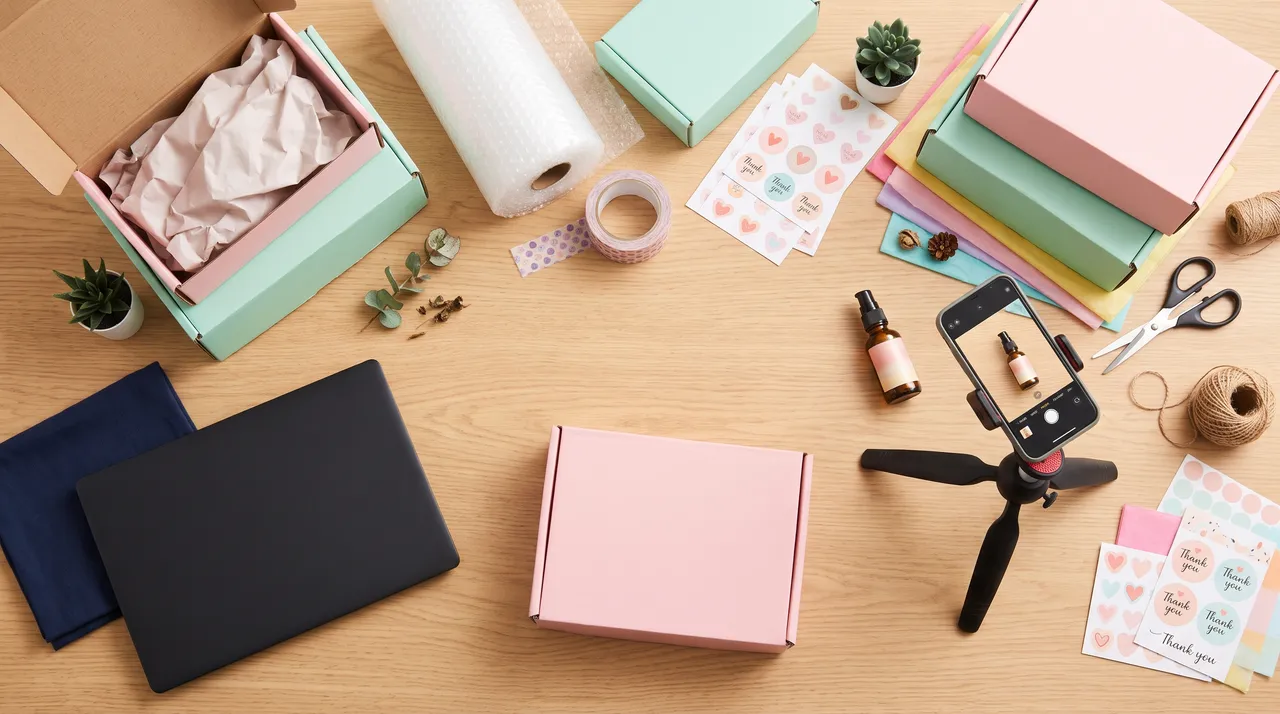
Trial
Start with a few products.
Rp29.000
360 creditsup to 18 photos
Choose Trial- Every photo style
- Posters, ads, and sales captions
- Photo editing and marketplace sizes
- No subscription
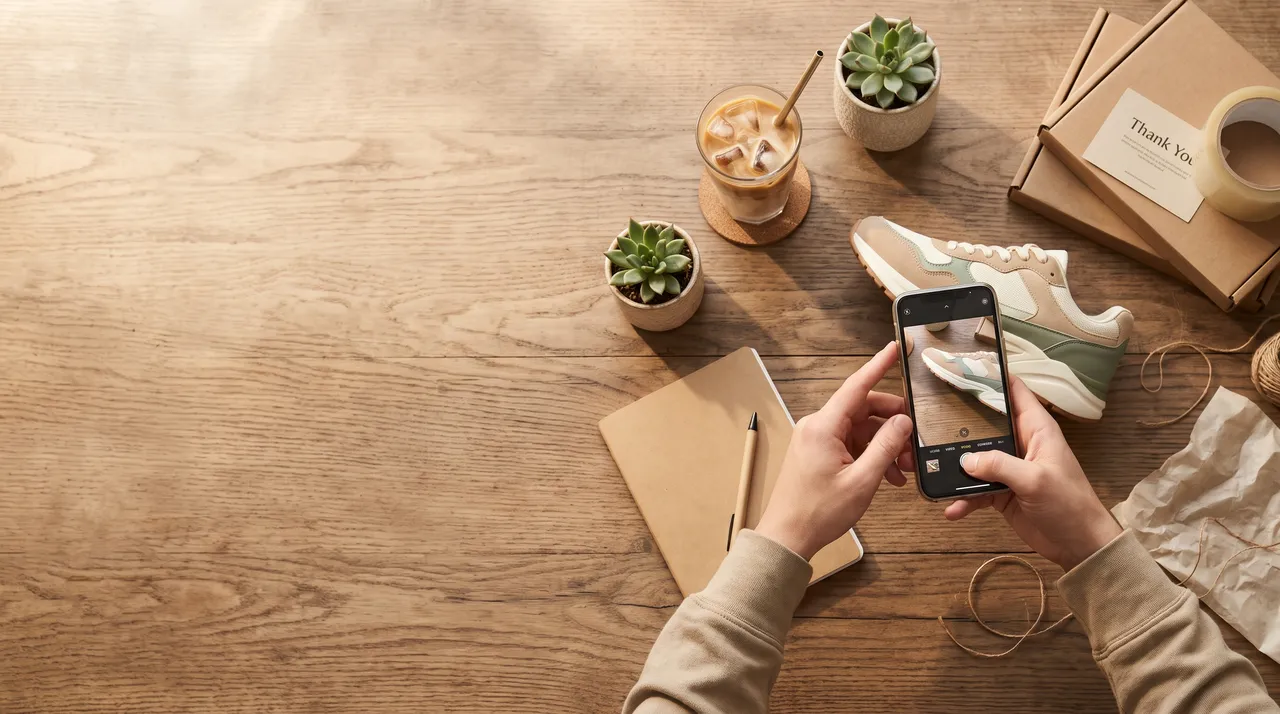
potolase is an AI product photography app for online sellers. Upload a photo from your phone, get suggestions or choose a style, then create photos for your shop.
On the left, the seller’s original phone photo. On the right, the potolase result from that same photo.


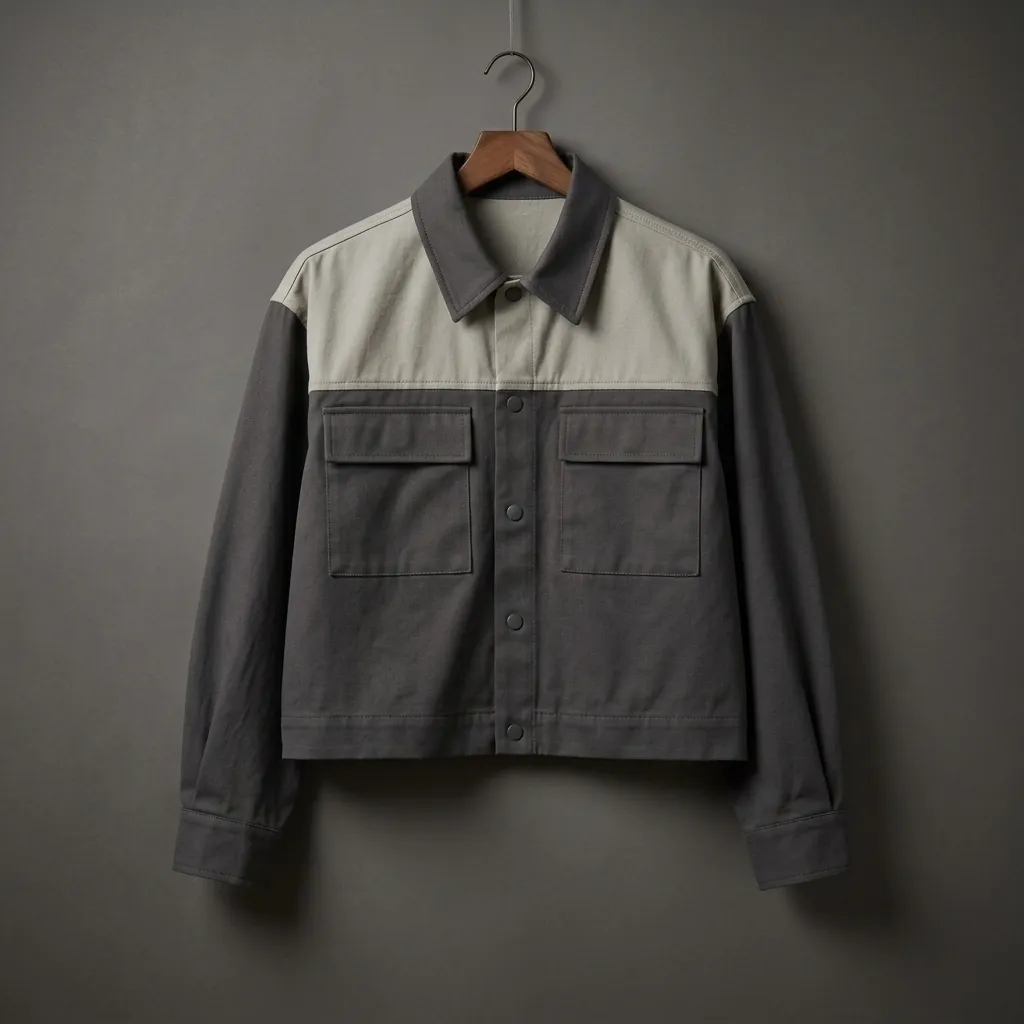
A clean background, ready for your marketplace listing.
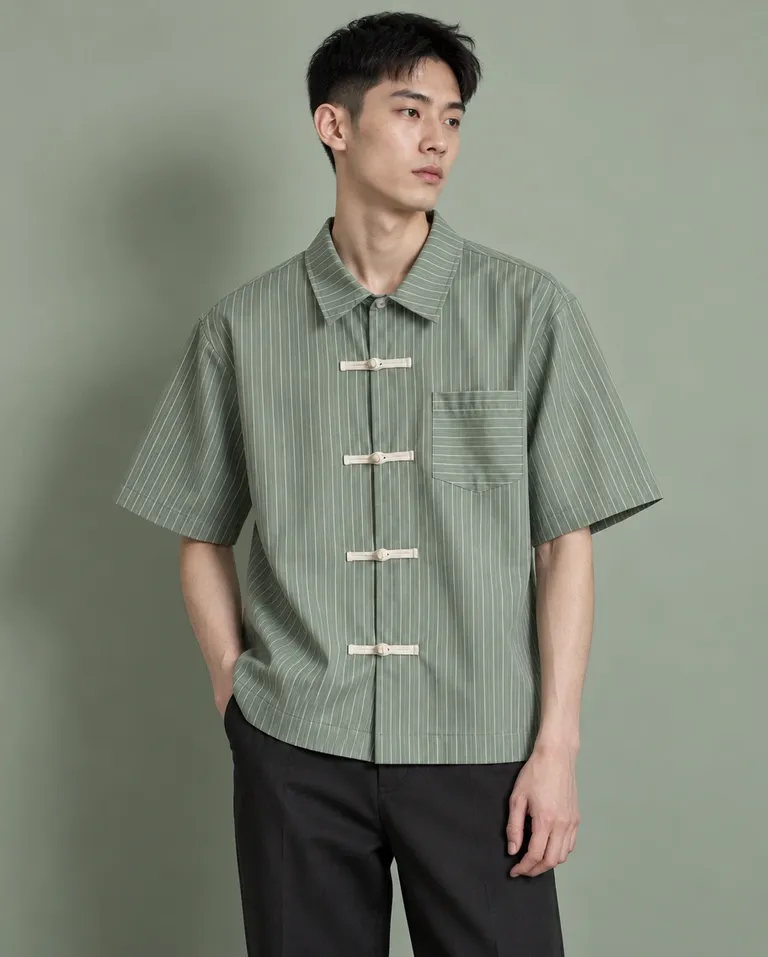
Show how clothes, bags, and accessories look when worn.
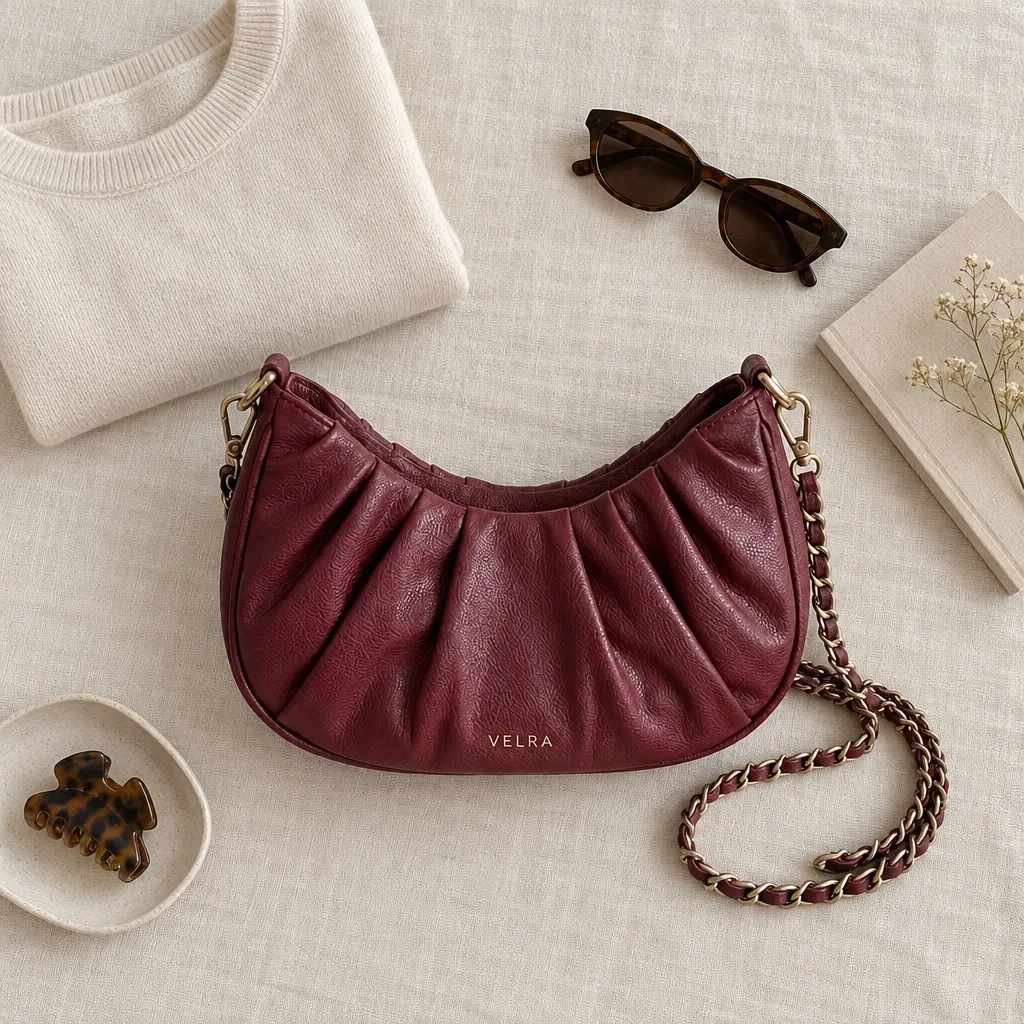
Your product on a table, in a kitchen, or in a room that feels real.
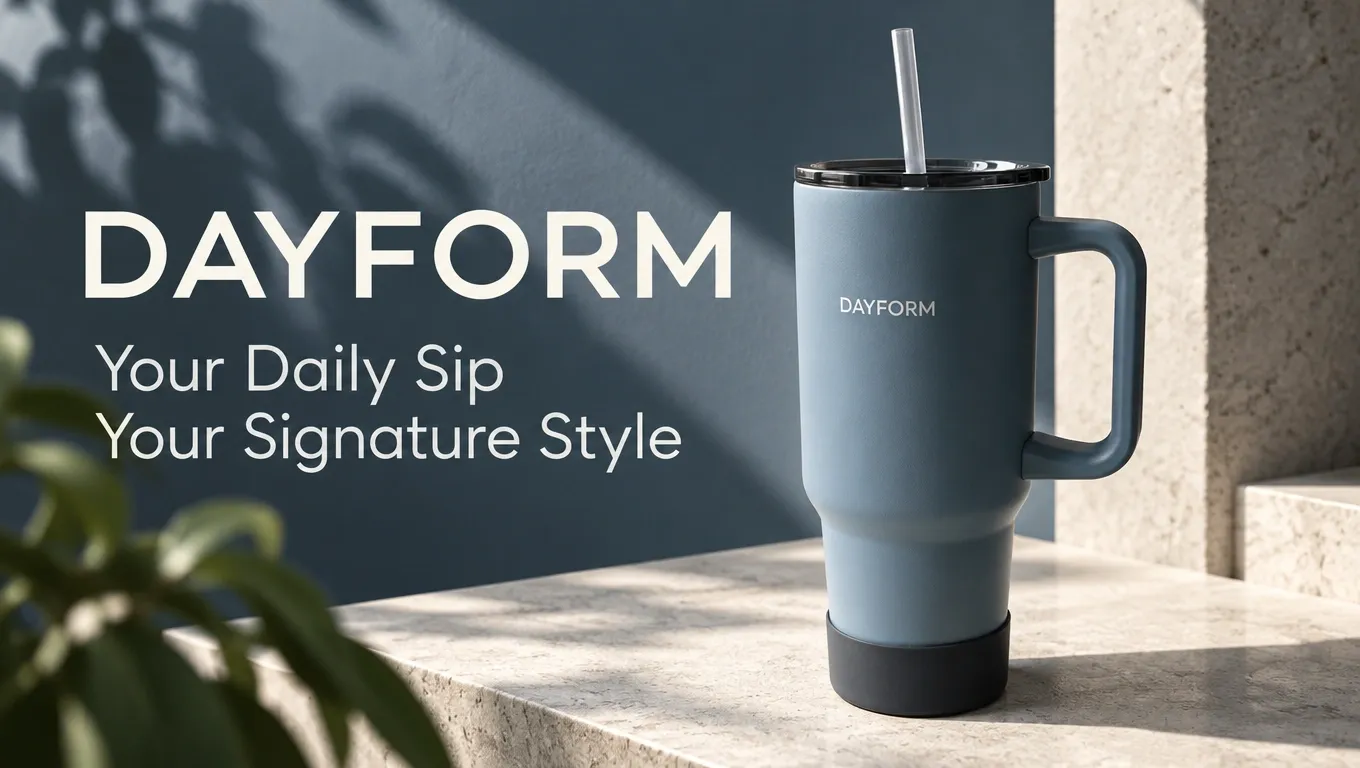
Promotional images for feeds, stories, and shop banners. Mockups, too.
Looking for a simple snack to make your break a little better? These chunky chocolate cookies come in a handy stand-up pouch. Take a look! Find the details in our shop. #chocolatecookies #chunkycookies #snacks #cookies
Captions ready to copy. Crop for marketplaces and add text, promotional labels, or your logo.
Draw a box around the part you want to change, then write an instruction for each box. Everything else, including your product, stays untouched.
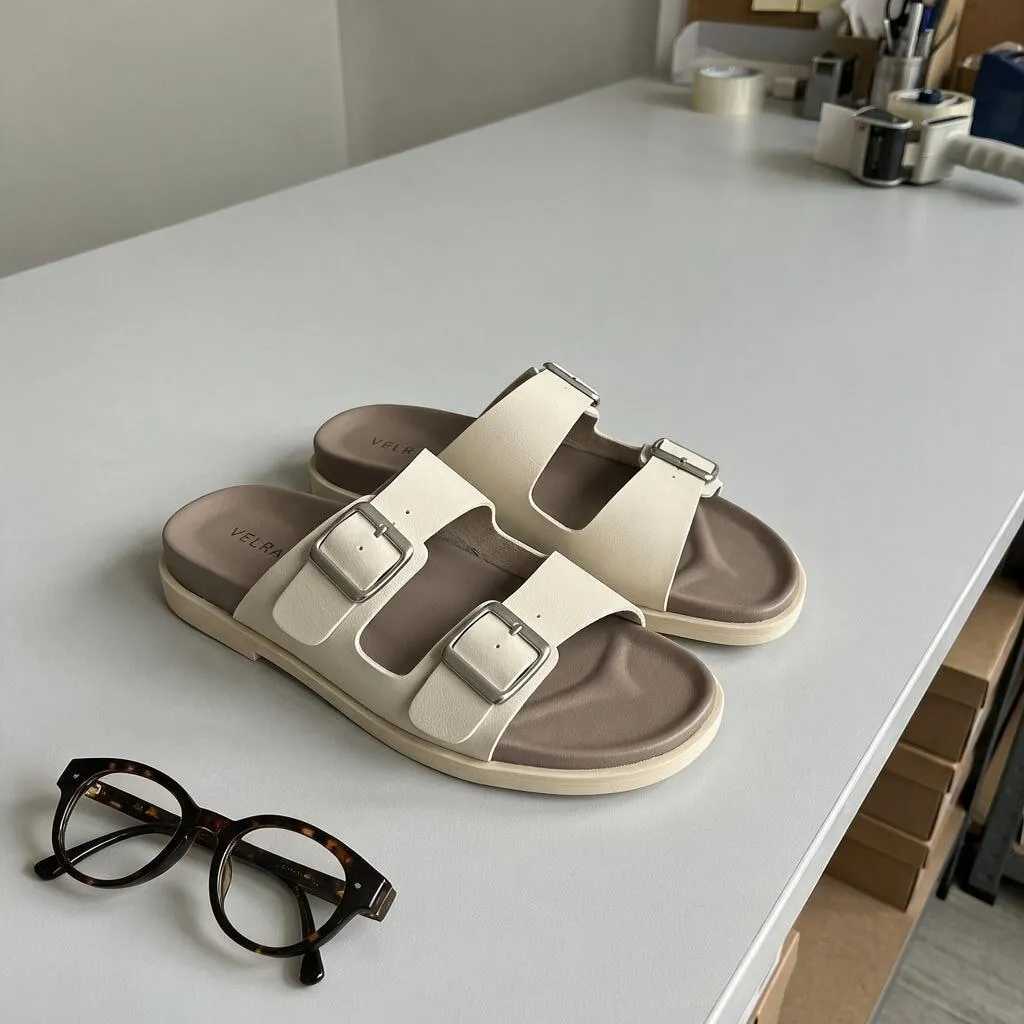
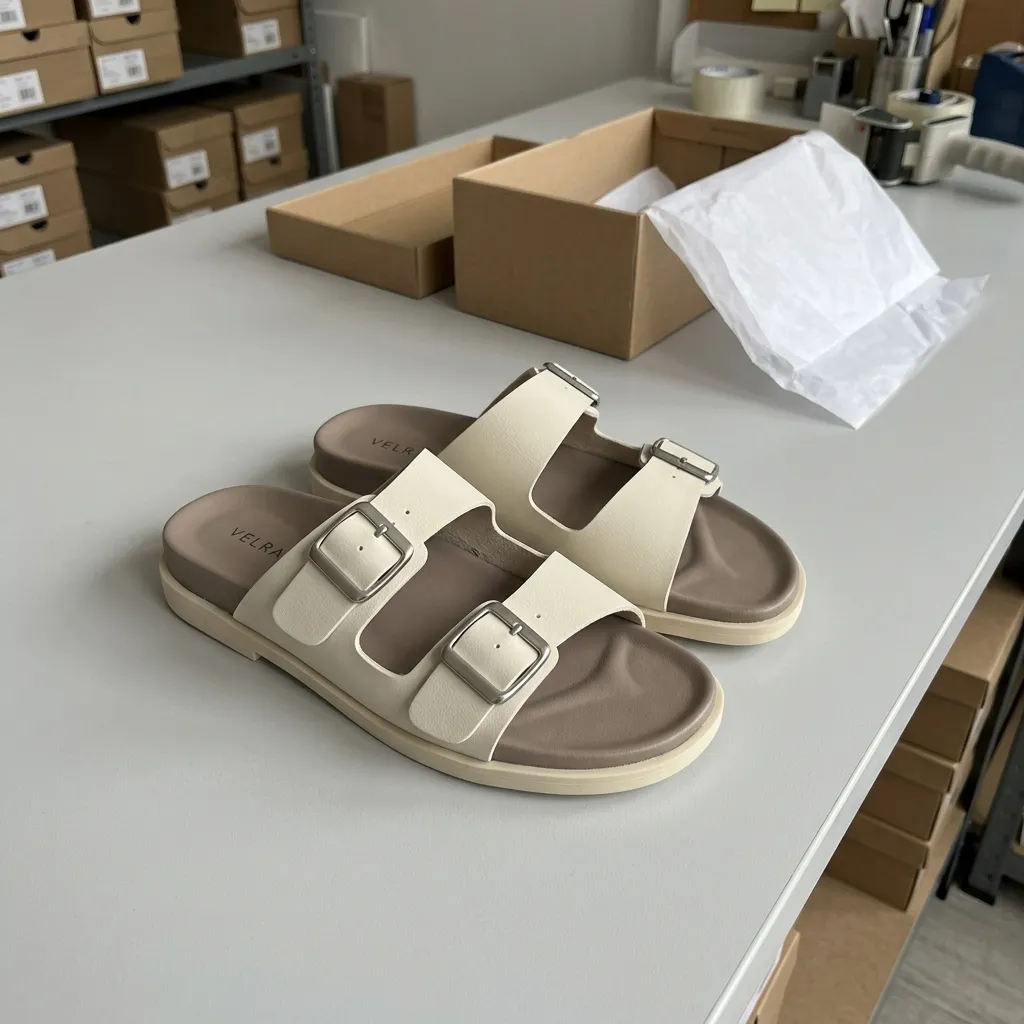
No studio, lighting setup, or separate editing app needed.
An everyday photo is enough. Keep the product fully visible and in focus.
Get a style suggestion or choose studio, on-model, lifestyle, and more.
Download and post on Shopee, Tokopedia, TikTok Shop, or Instagram.
The background and lighting can change. Your product’s colours, logo, text, and shape are checked against the original photo.
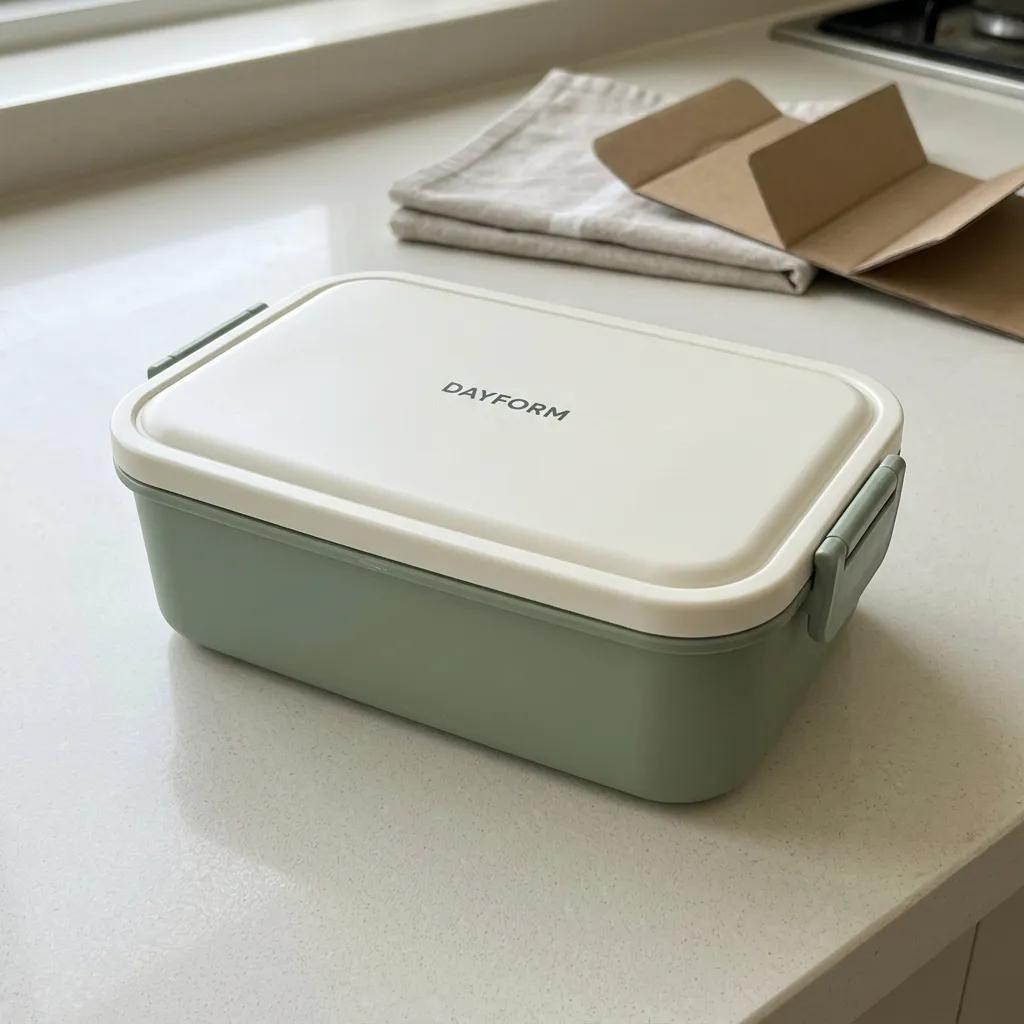
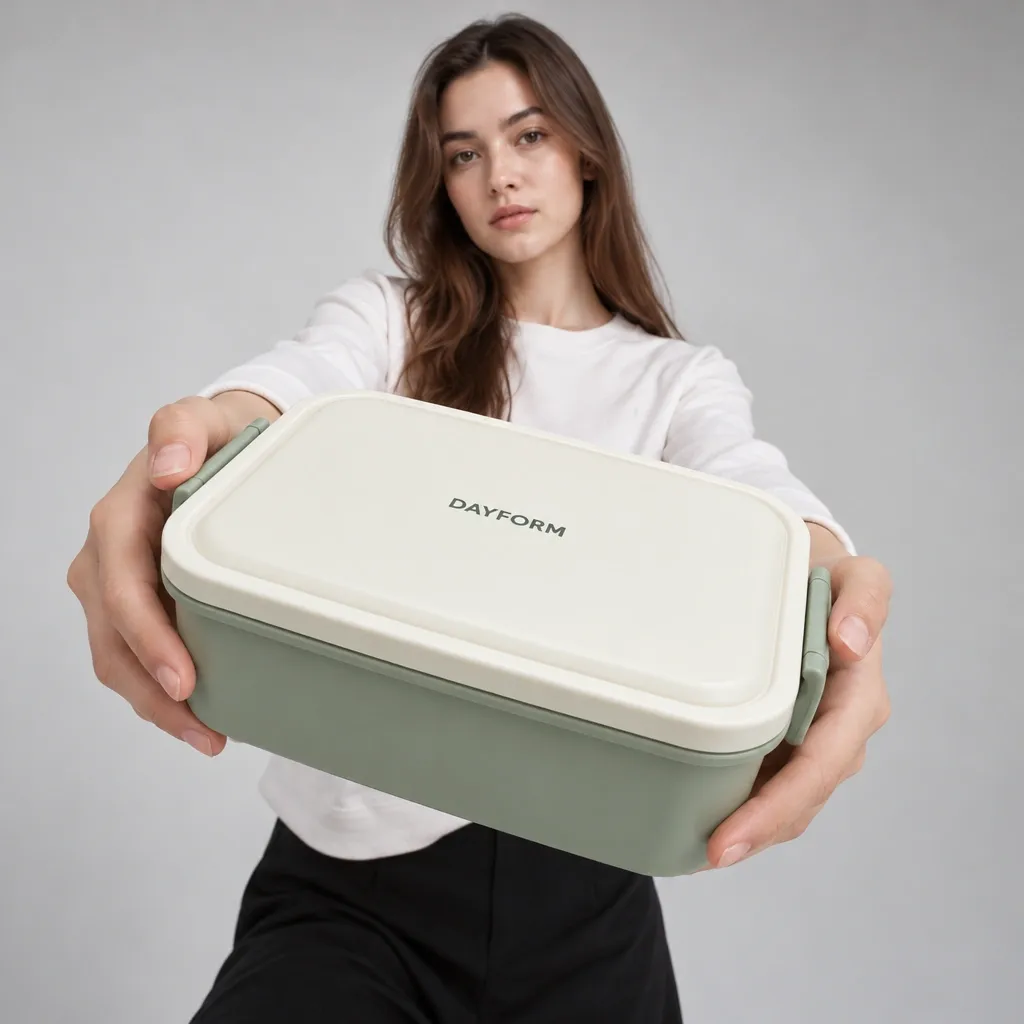
If something is off, you can create it again.
Buy credits once and use them when you need them. No subscription.
Start with a few products.
Rp29.000
For a shop that keeps growing.
Rp59.000
More room to create.
Rp109.000
Credits are valid for 12 months.
Still have a question? Email us at halo@potolase.com.
The background, lighting, and setting change. Your product’s colours, logo, text, and shape are preserved and checked against the original photo. If something is off, you can create it again.
No. Buy a Trial, Small, or Large credit pack and use it when you need it. There are no monthly charges.
An everyday phone photo is enough. Make sure the whole product is visible, well lit, and in focus. A simple background is fine.
Fashion, food and drinks, beauty, accessories, home and kitchen products, and tech accessories.
Posters and ads, sales captions, and mockups. You can also edit photos: crop for marketplaces and add text, promotional labels, or a logo.
Yes. You can crop your photos to marketplace sizes before downloading them.
Photos use 20, 40, or 80 credits depending on quality. AI editing uses 30 or 60 credits. Credits are valid for 12 months; buying a new pack extends the validity of your entire remaining balance to 12 months from the latest successful payment.
Credits are reserved when a photo starts processing. Once the system confirms that generation has failed, the credits for that photo are returned to your balance. If the result is still uncertain, its status needs to be checked.
Generated photos are stored for 12 months after completion. Saved product photos are stored for 12 months after their last use; using them again extends their storage period. Direct uploads and photos not saved as products are stored for 7 days. Download any results you want to keep longer.